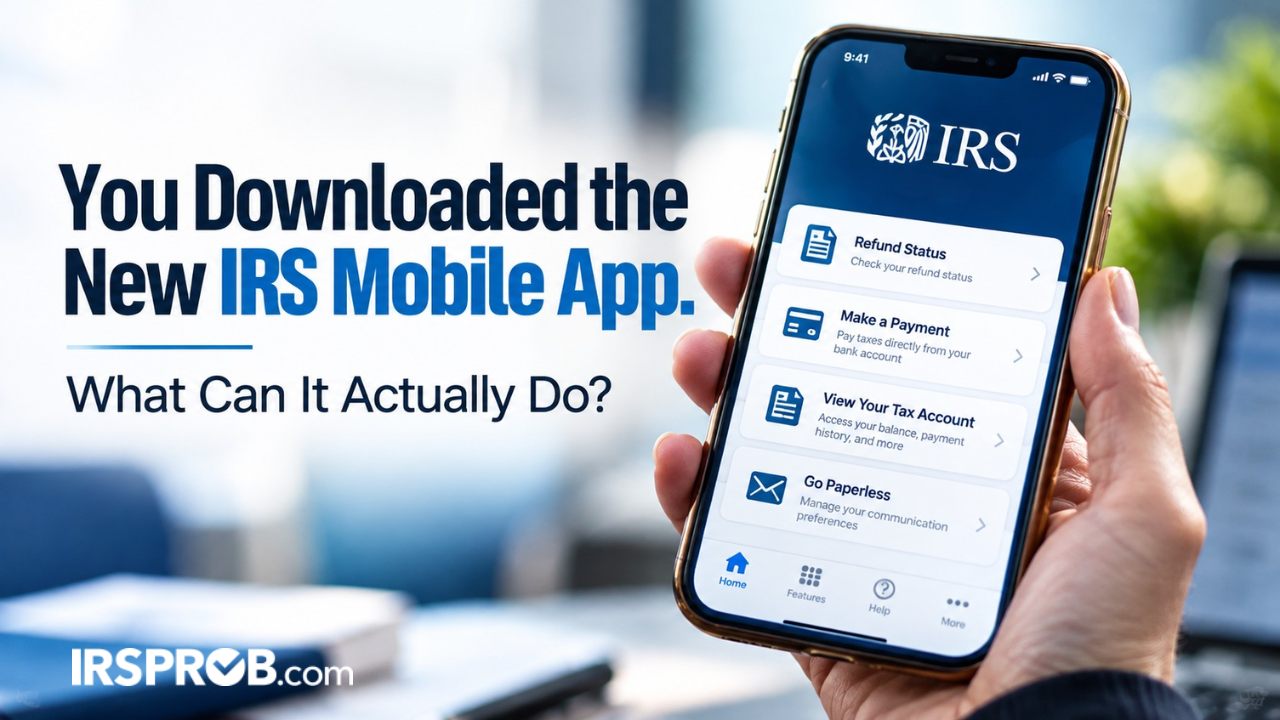
You are scrolling through your phone when you see an announcement for a new IRS app. You have been waiting on a refund, wondering whether a payment reached the right tax year, or trying to understand a balance that showed up in the mail.
Downloading an app sounds easier than calling the IRS. Then another thought stops you.
Is this really the official app?
That is a fair question. Fake IRS websites, text messages, QR codes, and look-alike apps can appear convincing. Entering your tax information into the wrong one could create a much larger problem.
The new IRS mobile app is real. It replaced IRS2Go and gives individual taxpayers mobile access to selected IRS tools and account information. You may be able to check a refund, review available balance information, look at payment activity, view certain notices, access transcripts, or retrieve an Identity Protection PIN.
But seeing information is not the same as understanding it. If you open the app and find a balance, missing payment, or unfamiliar notice, the next step is not to panic or pay immediately. First, make sure you know what the screen is actually telling you.
Let’s walk through what happens from the moment you find the app to the moment you decide what to do with the information inside it.
- The New IRS Mobile App Replaced IRS2Go
- Step 1: Make Sure You Found the Official IRS App
- Step 2: Open the App Without Signing In
- Step 3: Sign In to See Account Information
- Step 4: Check a Refund or Amended Return
- Step 5: Review Your IRS Balance and Payment Activity
- Step 6: Open a Notice or Download a Transcript
- Step 7: Find Your Identity Protection PIN
- What the New IRS Mobile App Cannot Fix
- What the IRS App Does Not Replace
- What to Do If Something in the App Looks Wrong
- Frequently Asked Questions
The New IRS Mobile App Replaced IRS2Go
The IRS launched its new app on September 25, 2026. It replaced IRS2Go, which taxpayers had used for more than a decade to check refunds, find filing help, and reach payment tools.
The updated app keeps those familiar services and adds secure access to selected features from an IRS Individual Online Account.
If IRS2Go is already on your phone and automatic updates are turned on, you may receive the new version through the normal update process. If automatic updates are off, you may need to update the existing app through your device’s app store.
You should not need to download a second app simply because you already use IRS2Go.
The IRS says the new version is free and available in English and Spanish for compatible Apple and Android devices.
You can review the IRS announcement about the new mobile app for current details.
Step 1: Make Sure You Found the Official IRS App
You search the app store and see several tax-related results. Some use official-looking colors. Others appear as advertisements. One may promise to find hidden refunds or settle an IRS balance in minutes.
Slow down here.
The safest starting point is the official IRS app page . That page provides verified links to the Apple App Store and Google Play.
Do not download an app because a text message, email, social media post, QR code, or pop-up tells you to.
The IRS warns taxpayers to be cautious of look-alike apps and unsolicited messages claiming to provide tax-account access.
If you cannot confirm that the app came through an official IRS link, stop before entering tax or identity information.
If you cannot confirm that the listing came through an official IRS link, stop. A few extra minutes of checking can prevent months of identity-theft problems.
IRSProb’s guide to IRS impersonation scam warning signs explains what to check when a message or website claims to represent the agency.
Step 2: Open the App Without Signing In
You install the official app and open it. You do not necessarily have to sign in immediately.
According to the IRS, some familiar features remain available without signing in. You may be able to:
- Check your federal refund status
- Check the status of an amended return
- Make certain tax payments
- Find free tax-filing help
That can be useful when you need one simple task and do not need account-specific information.
But a refund status check is not the same as full access to your tax account.
If you want to review available balances, payment activity, selected notices, transcripts, or an IP PIN, you will generally need to use the secure sign-in process.
Step 3: Sign In to See Account Information
You tap the sign-in option. The app opens a secure browser tab and uses the same ID.me sign-in and identity-verification process used for the IRS Individual Online Account.
After you complete the secure sign-in process, you are redirected back to the app.
Do not give your IRS or ID.me username, password, or security codes to someone who contacts you unexpectedly.
A legitimate tax professional may need authorization to obtain IRS information, but that does not mean handing over your personal login.
Also remember that the app does not contain every feature from an IRS Individual Online Account . It gives mobile access to selected services.
If a tool is missing, you may need to sign in through IRS.gov instead.
Step 4: Check a Refund or Amended Return
You first check the refund that has been on your mind.
The app may show the available status of a current refund or amended return. That can be easier than searching for the correct page every time you want an update.
However, the status is based on information available in IRS systems.
It does not promise that a deposit will reach your bank on a particular day. It may not explain every delay, offset, identity-verification hold, or error.
If the status does not change, checking it repeatedly will not make the return move faster.
The better question is whether the IRS is waiting for information or action from you.
Look for a notice, identity-verification request, or other message connected to the return. If nothing appears, IRS.gov may provide additional guidance on refund and amended-return delays.
Step 5: Review Your IRS Balance and Payment Activity
Next, you open the balance section. A number appears.
That can stop a normal day cold.
Before you pay, check the tax year. A balance from an older return is different from a balance on the return you just filed.
Also look at available payment activity and compare it with your bank records, confirmation numbers, and prior notices.
A payment may have been applied to the wrong tax year. A recent payment may not have posted yet. Penalties and interest may have changed the payoff amount. The balance may also be connected to an adjustment you disagree with.
Compare the IRS information with your own records before taking action.
Do not make a second payment simply because the first one seems missing. Confirm what happened before sending the same money twice.
If the amount looks wrong, use IRSProb’s guide on what to check when an IRS balance appears .
If the amount appears correct but you cannot pay it in full, review IRS payment options when you cannot pay before agreeing to a payment you cannot afford.
Step 6: Open a Notice or Download a Transcript
You notice that a digital IRS letter is available.
Open the complete document rather than reading only the balance or first line.
Check:
- The notice or letter number
- The tax year involved
- The amount shown
- What the IRS says happened
- What the IRS wants from you
- The response deadline
- Any dispute or appeal instructions
Selected notices and letters may be available through the app. That does not mean every piece of IRS mail will appear there.
Continue opening paper mail and checking the mailing address the IRS has on file.
You may also be able to access available tax records and transcripts.
A return transcript can show many items from a filed return. An account transcript may show transactions, assessments, payments, penalties, and other activity for a tax year.
Wage and income information may be useful when preparing a missing return, but availability depends on the record and year.
A transcript is useful evidence, not always a complete explanation.
Codes and account entries can be difficult to interpret without the notice or other records.
The IRS provides more details through its official tax transcript page .
If the notice itself appears wrong, IRSProb also explains common IRS notice mistakes .
Step 7: Find Your Identity Protection PIN
Before closing the app, you check whether your Identity Protection PIN is available.
An IP PIN is a six-digit number known to you and the IRS.
It helps the IRS verify your identity when a federal tax return is filed using your Social Security number or Individual Taxpayer Identification Number, helping protect against tax-related identity theft.
Treat it like sensitive tax information.
Do not post it, email it casually, or provide it to someone who contacts you unexpectedly.
Your legitimate tax preparer will need the current IP PIN to electronically file your return.
That is different from a stranger claiming the number will unlock a refund or stop an arrest.
You can learn more from the IRS page explaining how to get an Identity Protection PIN .
What the New IRS Mobile App Cannot Fix
You have now checked a refund, looked at a balance, reviewed payment activity, and opened a notice.
The app gave you useful information.
But the information may raise a harder question.
What should you do next?
The app does not automatically resolve:
- An incorrect or disputed balance
- A missing or misapplied payment
- An audit or proposed tax adjustment
- A denied deduction or credit
- A penalty disagreement
- A tax lien or levy
- A serious identity-theft problem
- A complicated payment-plan issue
- Missing business returns
It may help you gather facts before taking action. That is valuable.
But a screen showing a problem is not the same as a plan for solving it.
If a notice has a response or appeal deadline, opening the app does not extend it. If collection action is underway, viewing the account does not stop the collection process.
If you make a payment, that payment does not automatically preserve appeal rights or correct a disputed assessment.
The IRS App Does Not Replace IRS.gov or Every Online Account
The IRS app does not replace IRS.gov.
The website continues to provide forms, guidance, tools, and broader account services.
You can access the official IRS Individual Online Account directly through IRS.gov.
The app also does not replace the full Individual Online Account. At launch, it extends selected individual-account features to a mobile app.
The app does not currently provide Business Tax Account or Tax Pro Account features.
A business owner may use the app for an individual tax matter, but should not assume that corporate payroll taxes, business notices, or entity accounts will appear.
Telephone and in-person assistance also remain available when an issue cannot be handled through self-service.
What to Do If Something in the App Looks Wrong
You are ready to close the app, but one number still does not make sense.
Before reacting, take these steps:
- Confirm the tax year. Make sure you are looking at the period you think you are.
- Read the complete notice. Do not rely only on the balance screen.
- Compare payment records. Check bank statements and confirmation numbers.
- Download the relevant transcript. Look for assessments, payments, and account changes.
- Avoid duplicate payments. Verify whether a payment is missing, pending, or misapplied.
- Write down the deadline. App access does not pause response or appeal periods.
- Get help when needed. A disputed balance, levy warning, audit, identity-theft issue, or unaffordable payment problem may require more than self-service.
The goal is not to panic. The goal is to understand what stage you are in.
Found something in the IRS app that does not match your records?
Start by checking the tax year, full notice, payment history, and transcript before deciding what to do next.
Review What to Check Before PayingFrequently Asked Questions About the New IRS Mobile App
Is the new IRS app legitimate?
Yes. The IRS launched the official app on September 25, 2026, as the replacement for IRS2Go. Use verified links from IRS.gov to find it.
Is the IRS app free?
Yes. The official app is free. Be cautious if an app asks you to pay simply to download it or claims that a fee will unlock special IRS relief.
Do current IRS2Go users need another app?
Generally, no. Existing users may receive the update automatically. Otherwise, they can update IRS2Go through the official app listing.
Can I use the app without signing in?
Some features are available without signing in, including checking refund and amended-return status, making certain payments, and finding free filing help. Account-specific tools require secure sign-in.
Can I view every IRS notice?
No. The app provides access to selected notices and letters when available. Continue reviewing IRS mail and other account records.
Can I create or manage a payment plan in the app?
The launch materials list payments and payment activity among the app’s features, but they do not promise every payment-plan function. Use IRS.gov or your Individual Online Account if the feature you need is unavailable.
Can I access a business account?
Not through the app’s initial account features. The IRS says it does not currently include Business Tax Account or Tax Pro Account access.
What if the balance looks wrong?
Check the tax year, payment activity, notice, and transcript before paying. Contact the IRS or obtain professional help if the account does not match your records.
Final Thoughts
You found the official app, signed in safely, and reviewed the information the IRS made available.
Maybe you received the answer you needed. Maybe you found a problem that requires another step.
Either result is useful.
The new app can make it easier to see parts of your individual tax account from a phone. It cannot always tell you whether the information is correct or which resolution is best.
Start with what you can verify. Read the full notice. Compare the IRS record with your own. Then decide what still needs an answer.
Do not guess your way through it.